
Loading Page Data ...
Copyright © 2025 Shanta Life Insurance PLC. All Rights Reserved

(9 am-9 pm, Sunday-Thursday)


Find us on


Copyright © 2025 Shanta Life Insurance PLC. All Rights Reserved
Loading Page Data ...

Powering your protection starts here.
Powering your protection starts here.


Step 1:
Log into your Internet Banking
Step 2:
Go to the menu “Transfer Fund”. You can save the account details from “Add beneficiary” which will help you to smooth future payments as well. You may choose “One time transfer”, if your banking system have this option on their menu.
Step 3:
Give below details in respective fields of “Beneficiary details” page.
Step 4: Write your full name in “Reference” field
Step 5: Upon successful transaction your payment will be received the following Bank business day.
Step 6: An acknowledgement SMS will be sent to you along with the link to e-receipt.
Step 1:
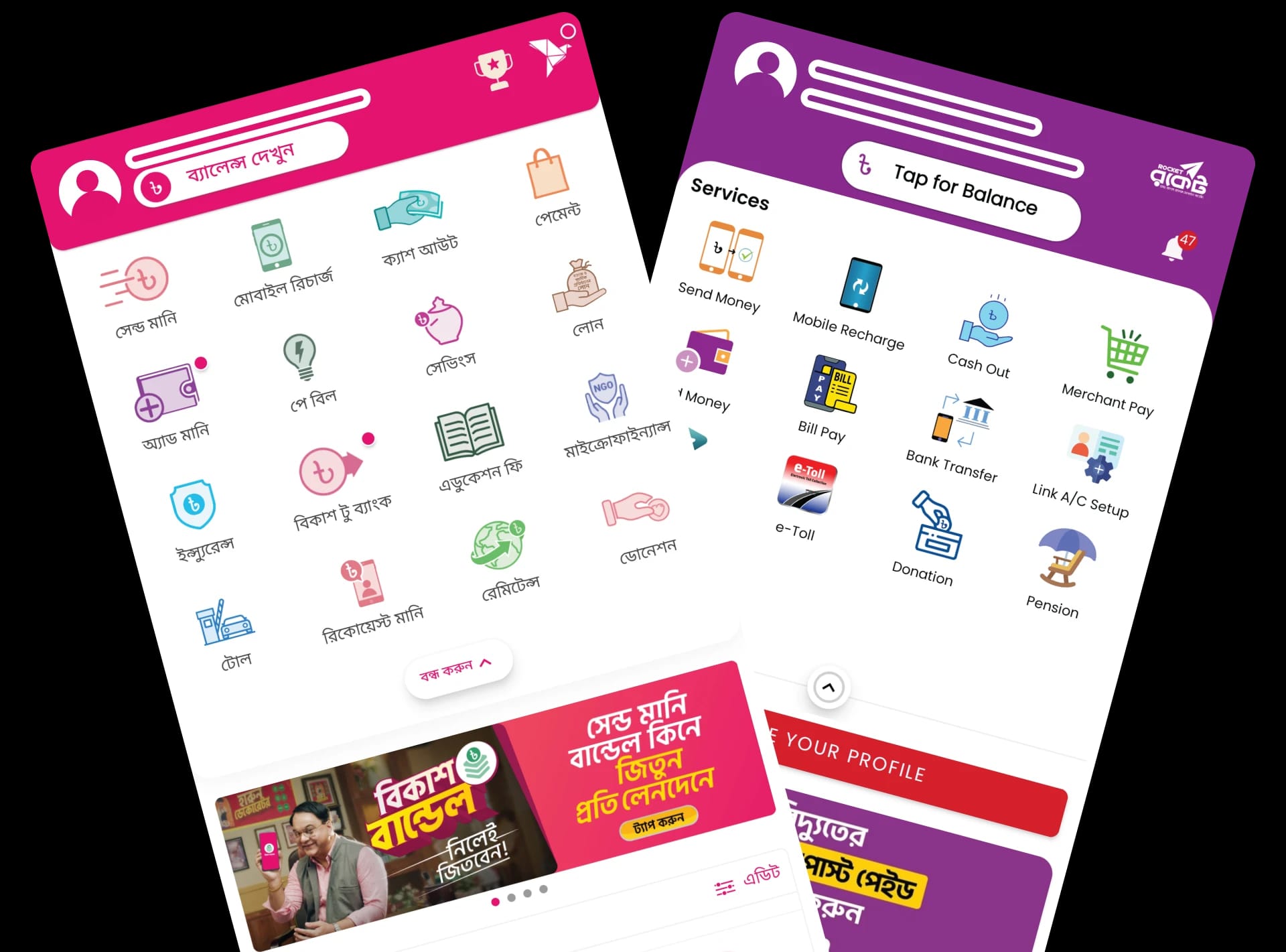
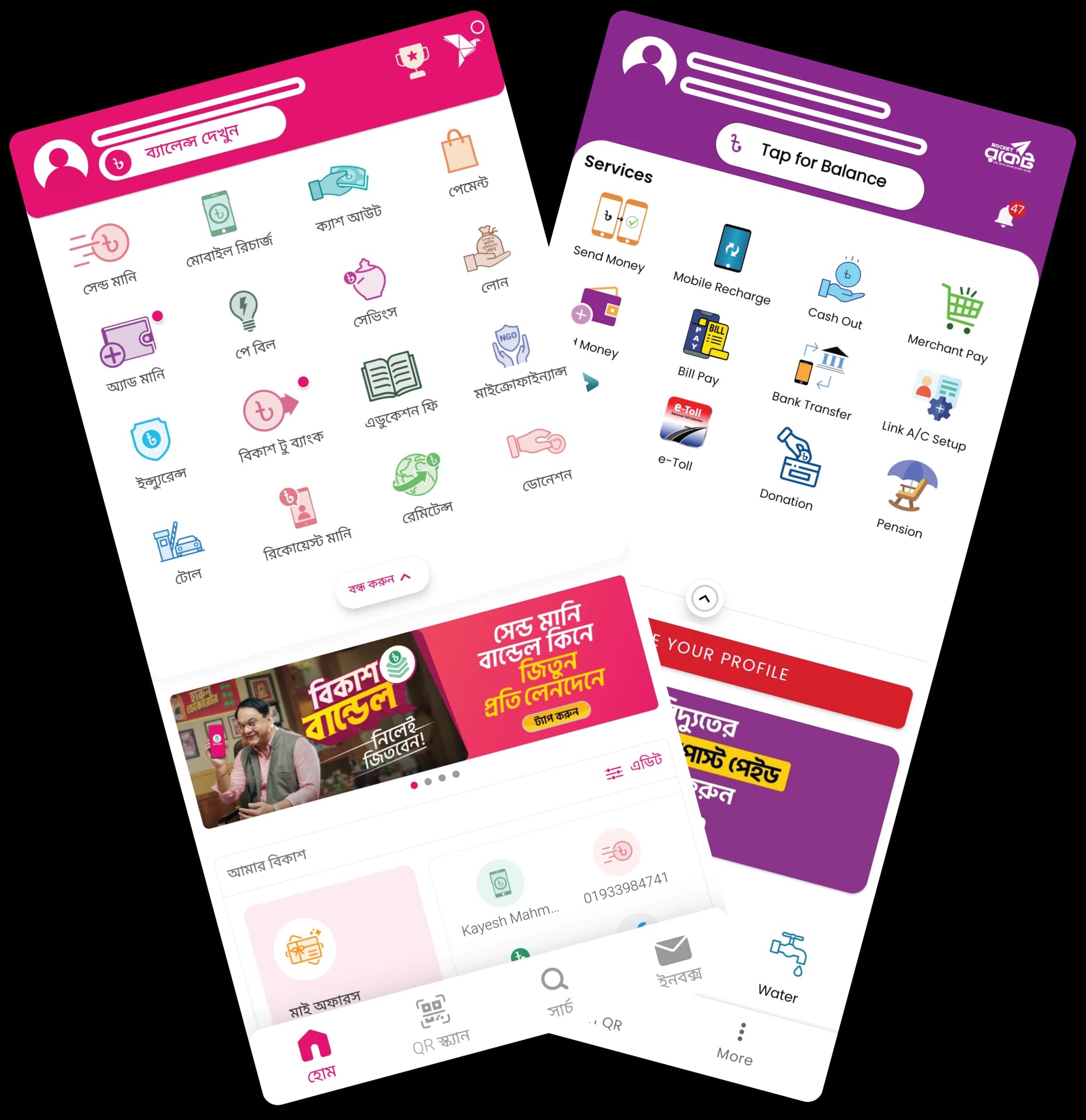
Log into your bKash account.
Step 2:
Go to “Payment” section and write “Shanta Life” or provide number “01332544799” and search.
Step 3:
Write the Payable amount and proceed.
Step 4:
Write your Policy number or Full name in “Reference” field.
Step 5:
Enter PIN and Proceed to pay.
Step 6:
Upon successful transaction an acknowledgement SMS will be sent to you along with the link to e-receipt the following business day.
You can conveniently pay your premium using EFT (Electronic Funds Transfer) Debit Authorization. This secure and efficient method ensures that the premium amount is automatically debited from your designated bank account on the due date, eliminating the risk of missed payments and keeping your policy active without any hassle. By choosing EFT, you save time and effort, avoiding manual payments or late fees. To activate this service, simply complete the EFT Debit Authorization form and submit it to us with the required bank details. Stay worry-free about missing your premium deadlines!

Whether you're at home or on the go, paying your premium with a Credit or Debit Card is a fast, convenient, and secure way to stay in control without the hassle of any extra fees.


Step 1: Log in to "My Portal" using your credentials.
Step 2: From the "My Policy" menu, select "Due Payment". You will see the total outstanding amount.
Step 3: Click on "Make Payment" to proceed.
Step 4: On the next page, provide: Payment Purpose, Policy / Proposal Number and Payment Amount.
Step 5: Check the radio button to confirm your agreement to the terms and conditions, then click "Next".
Step 6: You will be redirected to our secure Payment Gateway, where you can select your preferred payment option: Credit / Debit Card
Step 7: Once your payment is successful, you will be redirected back to the Shanta Life website. An SMS along with the link to Payment receipt will be sent to your registered mobile instantly.
Step 8: You can view and download your payment receipt from your portal at any time.